In the left menu, you will have a section identified as Sales Layer Woo:
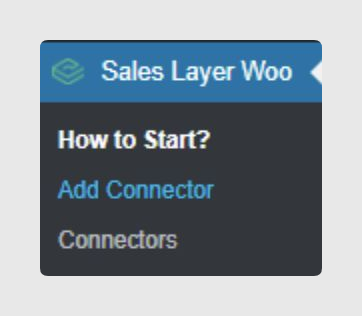
Then click Add Connector to register a new one. You will be redirected to the connector creation page:
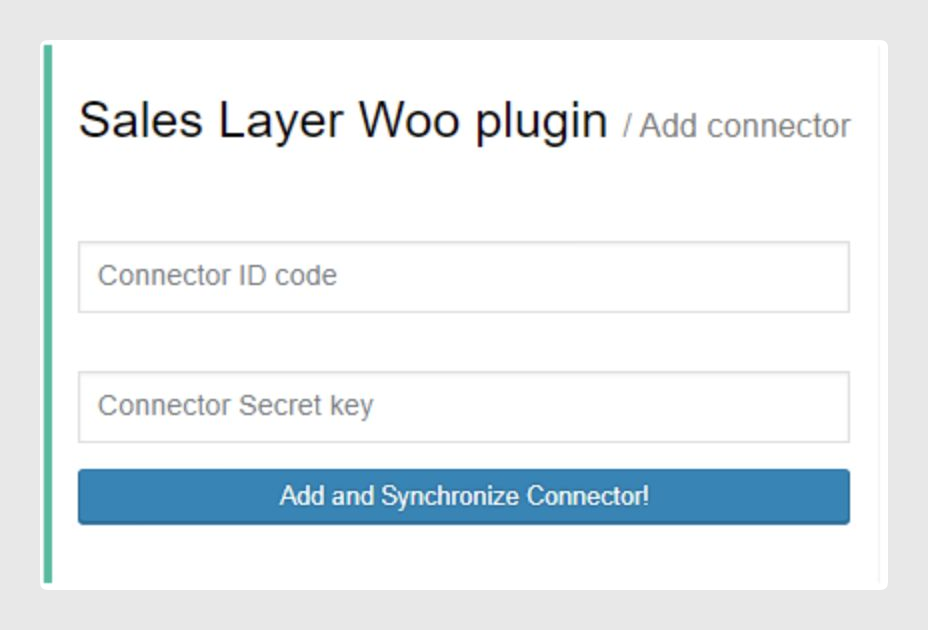
Then you will be able to enter the connector credentials.
i
Note: Connector credentials will be available in Sales Layer.
Once they are completed, click Add and Synchronize Connector. This way, the channel will be saved and it will call Sales Layer to get data.
Take into account the following rules:
- If the ID or private key is incorrect, it will show a warning message.
- WooCommerce needs the cronjobs to be operative to synchronize data correctly with the plugin.
- The cronjobs execution frequency is 5 minutes for data synchronization and 15 minutes for channel auto synchronization.
- The auto-synchronization cron will only import data if no data is waiting to be processed.
- The channel can be synchronized manually or by setting a period for automatic synchronization in the next field:

Was this article helpful?
That’s Great!
Thank you for your feedback
Sorry! We couldn't be helpful
Thank you for your feedback
Feedback sent
We appreciate your effort and will try to fix the article