After the template is uploaded and the Parameters tab is configured, the next step is field mapping in Output data.
Field mapping connects Sales Layer fields with the equivalent fields in your Excel template.
You can map fields from:
- Categories
- Products
- Variants
- Points of sale
- Custom Entity tables
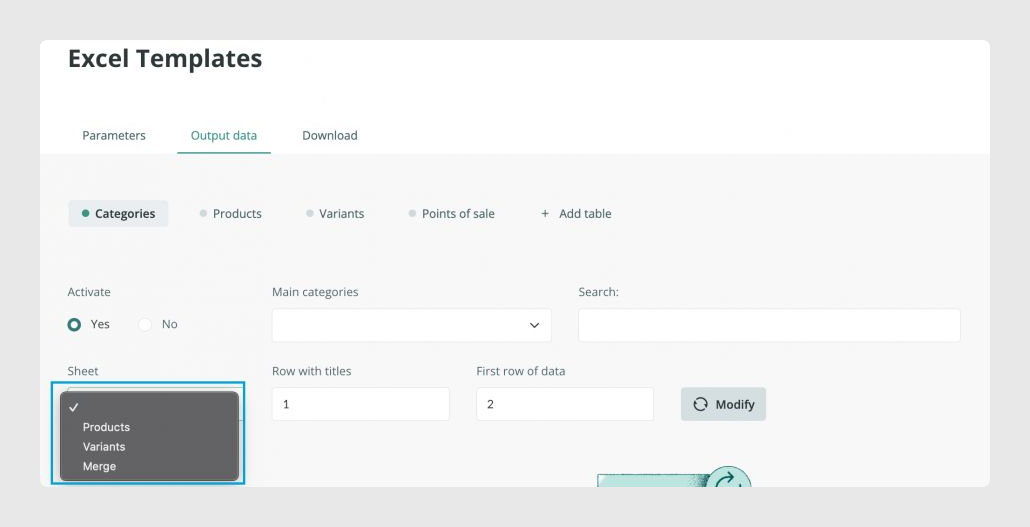
For each table, select the template sheet that corresponds to that Sales Layer table and click Modify to display the field mapping options.
Was this article helpful?
That’s Great!
Thank you for your feedback
Sorry! We couldn't be helpful
Thank you for your feedback
Feedback sent
We appreciate your effort and will try to fix the article