The Excel Templates connector is organized around three main tabs:
- Parameters: upload the template and configure connector-wide options
- Output data: map Sales Layer fields to the correct sheet, title row, and first data row in the template
- Download: download the final Excel file after the connector has processed the data
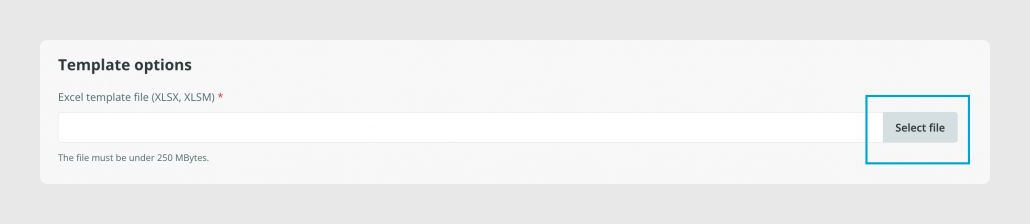
Before working in Output data, the Excel template must be uploaded in the Parameters tab. The connector uses that file as the base structure for the export.
Was this article helpful?
That’s Great!
Thank you for your feedback
Sorry! We couldn't be helpful
Thank you for your feedback
Feedback sent
We appreciate your effort and will try to fix the article