Sales Layer is designed to centralize your product information and send it to different destinations such as Amazon, Shopify, Magento, InDesign, and many other platforms. This data transfer is managed through Channels.
Channels can also be used to import data into your PIM by connecting external systems such as your ERP to Sales Layer. When a channel brings data from an external source into your account, it works as an import connector.
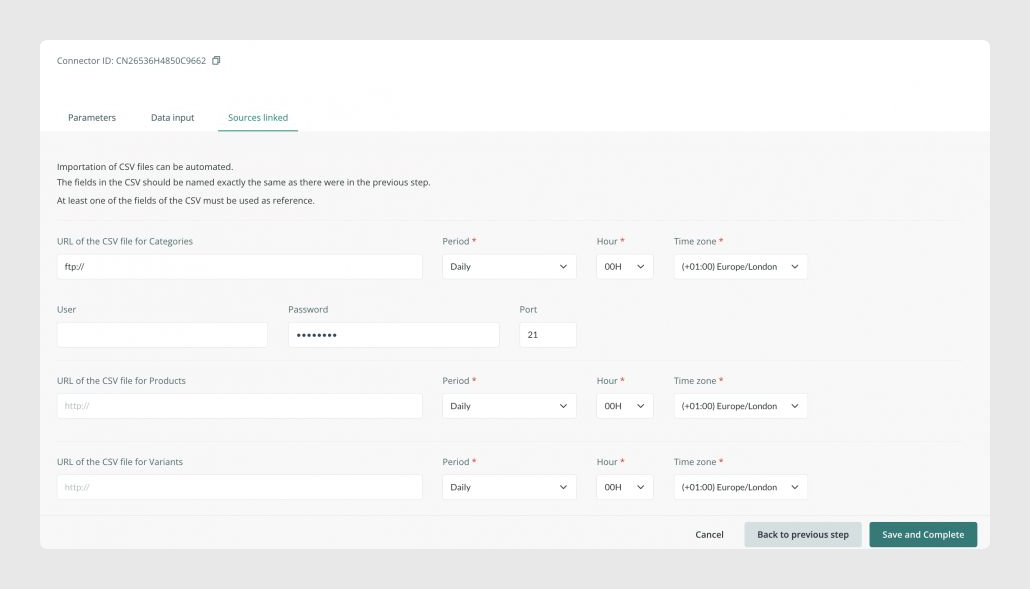
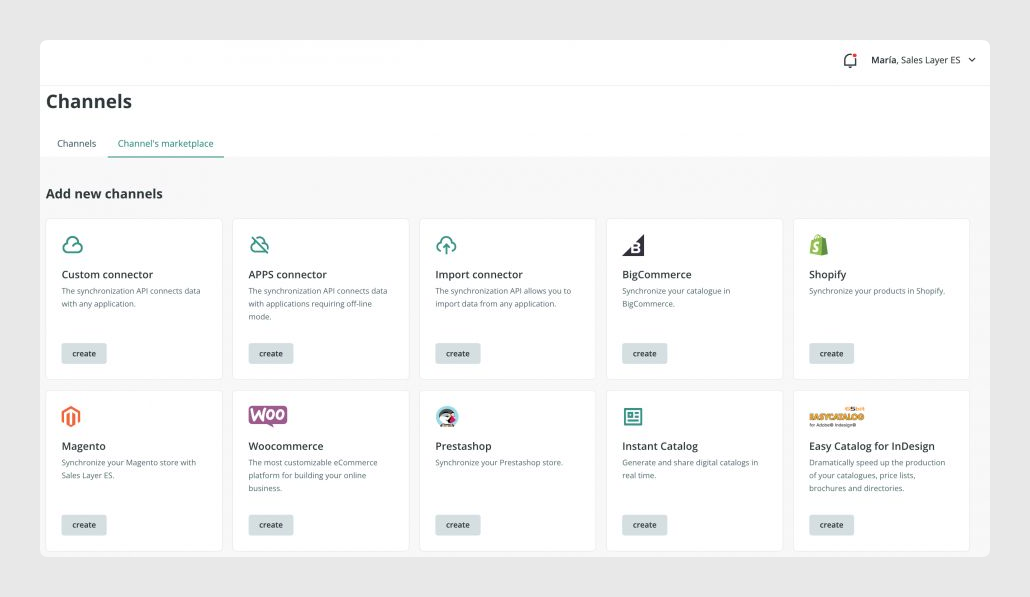
Sales Layer includes many available channels. The first ones, usually identified with green icons, are the most generic and flexible. They can be used to generate CSV or Excel files, connect with an API, or create an import connector that loads data from a CSV file through HTTP or FTP.
Most connectors work in a very similar way, although some details depend on the specific channel. In every case, you configure a list of fields that defines how Sales Layer fields relate to the source data in import connectors, or to the destination data in export connectors.
Some connectors work with Excel templates, such as Amazon Seller. In these cases, Sales Layer helps you prepare your product data in the format required by that template.
Other connectors, such as PrestaShop, Magento, or WooCommerce, use a plugin that must be installed on the destination platform. Once the setup is complete, you can upload your content through the connector.
Was this article helpful?
That’s Great!
Thank you for your feedback
Sorry! We couldn't be helpful
Thank you for your feedback
Feedback sent
We appreciate your effort and will try to fix the article