The AI Agents area lets you create and run agents that work with your Sales Layer data. Depending on the agent type, they can translate content, improve text, generate new content, and apply smart business rules automatically.
Currently, the AI Agents opens in a separate environment, although is connected to your Sales Layer PIM in the background. This means the agents can work with your catalog data directly.
How to access AI Agents
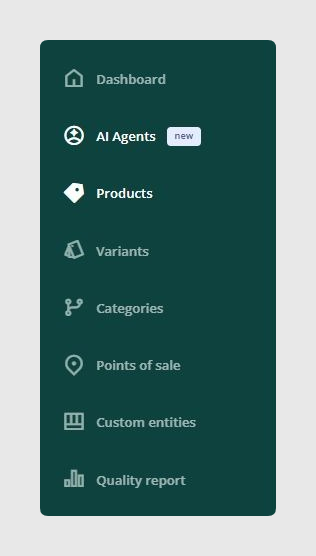
You can open AI Agents from the left-hand sidebar in Sales Layer.
When you click this option, you will enter a different environment. Even so, the agents you configure there will still work with your PIM data because both environments are linked internally.
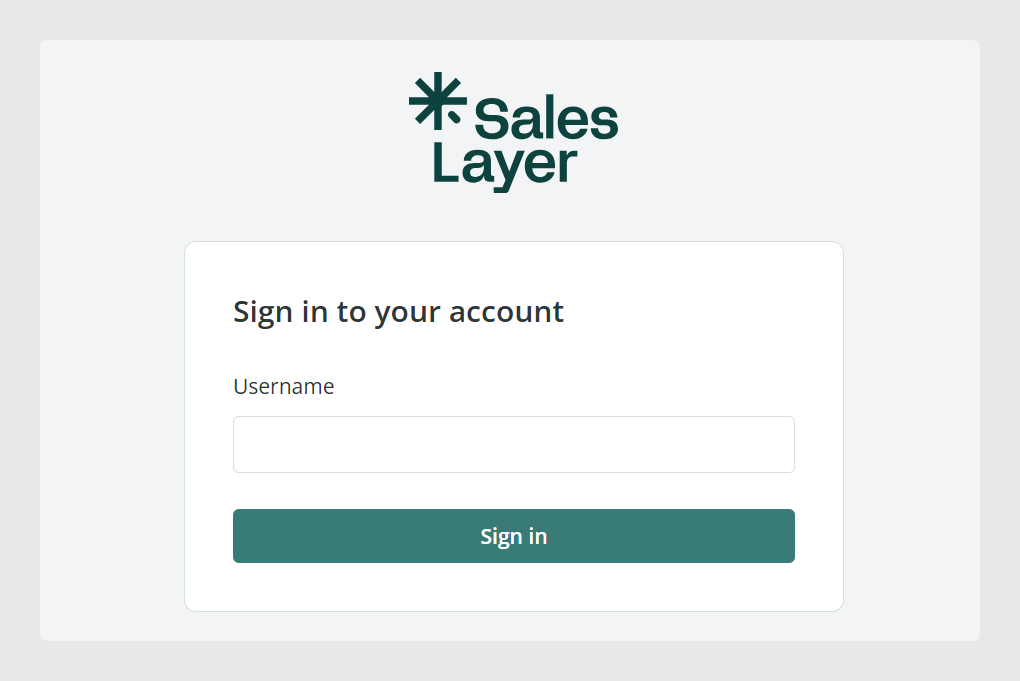
Login details
To access the platform, enter the same email address and password you use to enter your Sales Layer account.
Add your AI API key
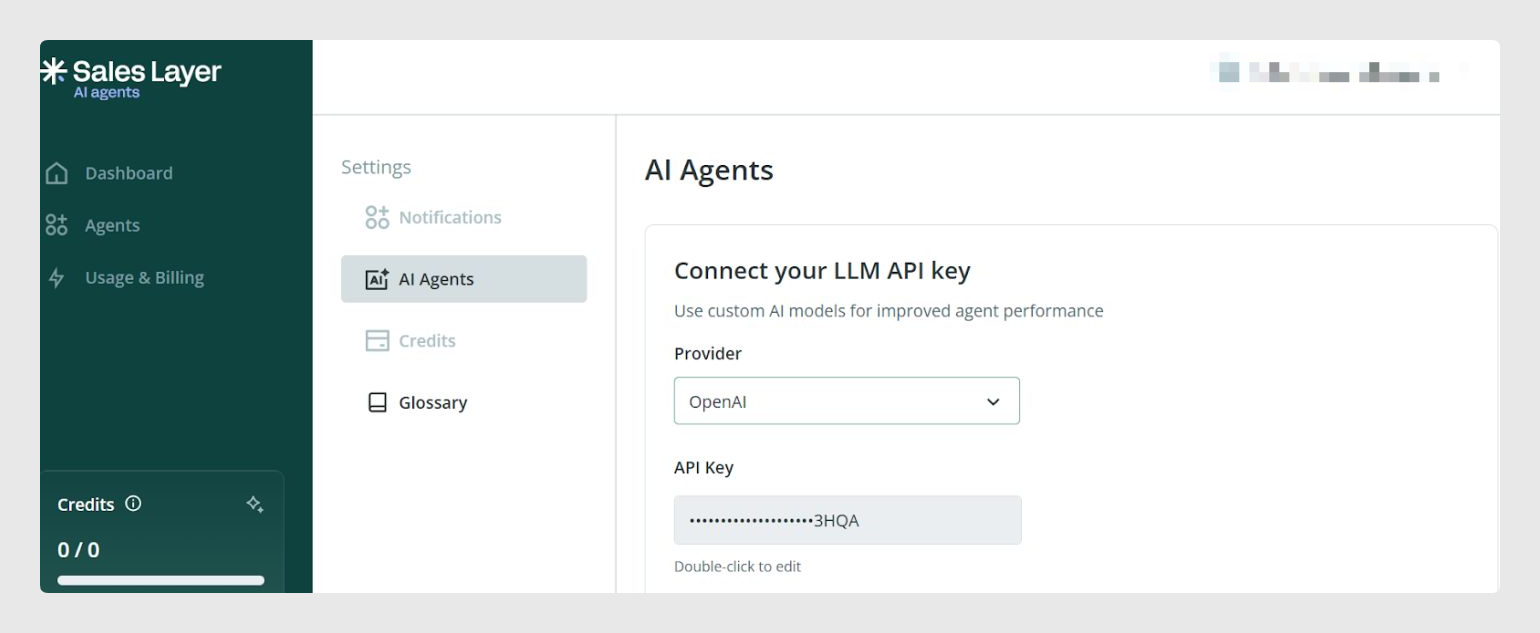
To use AI Agents, you need to insert your own API key in the platform settings:
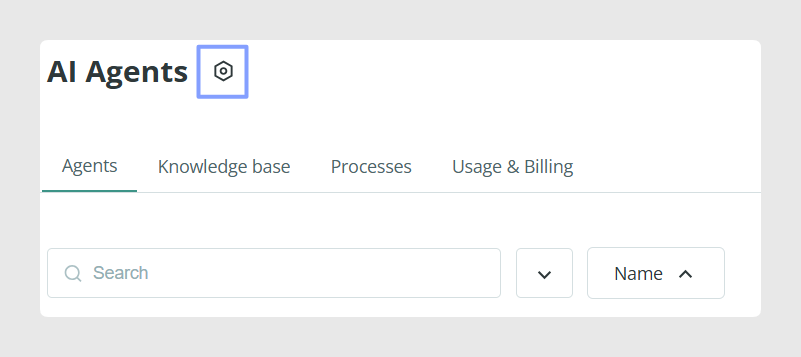
- Click Settings icon, located next to the Agents page title.
- Enter your API Key.
This lets you connect your own AI account to the AI Agents environment.
Common Use Cases
You may need access to AI Agents when you want to:
- Translate product content automatically
- Improve text fields in bulk
- Generate product content using existing catalog information
- Generate content in one field based on information stored in other fields using Smart Business Rules
Best practices
Before creating your first agent, make sure you can access the correct account and that your AI API key has been added. If several people in your team need access, request individual access for each user instead of sharing credentials.
Was this article helpful?
That’s Great!
Thank you for your feedback
Sorry! We couldn't be helpful
Thank you for your feedback
Feedback sent
We appreciate your effort and will try to fix the article