The Import Connector lets you automate the import of data from an external source, such as an ERP, into Sales Layer.
This connector is useful when product, category, variant, point of sale, or custom entity data is maintained outside Sales Layer and needs to be imported into the PIM on a regular basis.
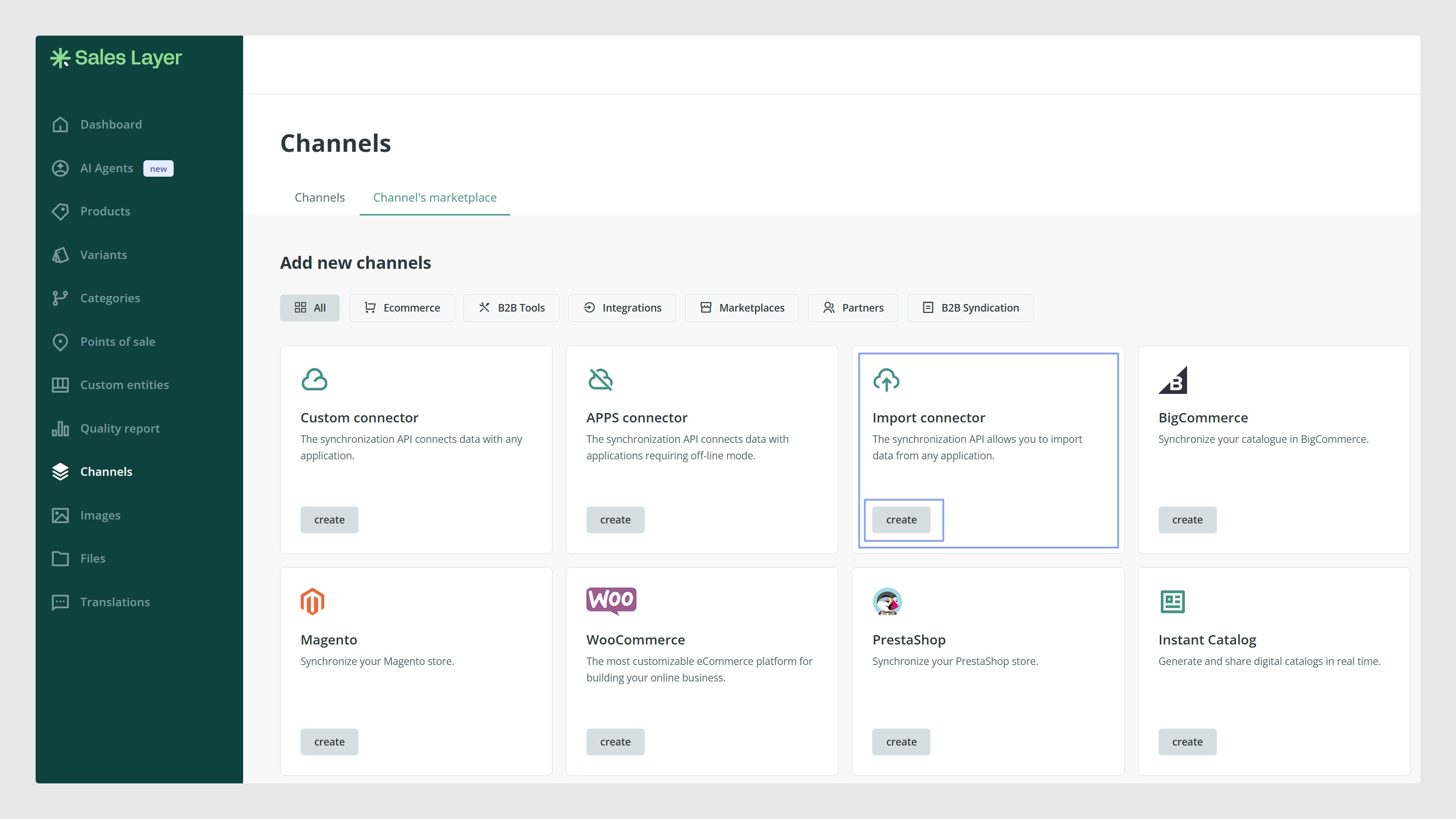
How it imports data
The Import Connector reads data from an external source and uses it to create or update content in Sales Layer.
Depending on your setup, the connector can work with:
- A CSV file hosted in an external location
- An FTP path
- An API import process
Each time the connector runs, Sales Layer reads the imported data and uses the item reference to identify which records need to be created or updated.
When to use it
Use the Import Connector when your product information is managed in another system and needs to be synchronized with Sales Layer.
For example, you can use it to import or update:
- Product information from an ERP
- Category data from an external system
- Variant information
- Points of sale
- Records in custom entities
What data can be imported
The connector can be configured to update different tables in Sales Layer, depending on the structure of your account.
The available tables may include:
- Categories
- Products
- Variants
- Points of Sale
- Custom entities
Each table has its own fields, and you can decide which tables and fields should be synchronized.
Before you start
Before using the Import Connector, prepare the external file or API process carefully.
The item reference is essential because it allows Sales Layer to identify whether each row should update an existing item or create a new one.
You should also review the field names, table structure, and import behavior before activating the connector. This helps avoid incorrect updates, duplicated work, or unexpected changes in the PIM.
Common Use Cases
The Import Connector is commonly used to:
- Keep product data updated from an ERP
- Update categories, variants, or custom entities automatically
- Reduce manual imports
- Synchronize external product information with the PIM
- Import data on a regular schedule
- Keep Sales Layer aligned with another system used as the source of truth
Was this article helpful?
That’s Great!
Thank you for your feedback
Sorry! We couldn't be helpful
Thank you for your feedback
Feedback sent
We appreciate your effort and will try to fix the article