In the parameters tab, users can configure general aspects that affect the whole connector behavior.
- ID Code: The connector’s unique identifier. It is needed in the e-commerce part.
- Channel private keys: The connector’s unique key. It is needed in the e-commerce part.
- Force refresh: This operation marks all the items that pass through the connector to be exported in the next synchronization. Forcing the connector does not ensure immediate synchronization, as it depends on the existing process queue. This action means sending all your complete catalog, images, formulas, and other data. This affects synchronization duration and increases it compared with the scheduled synchronization duration.
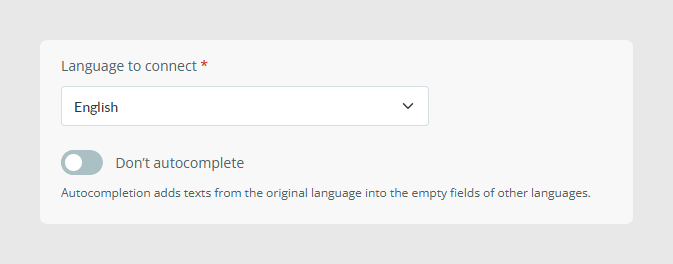
- Language to connect: This option only allows exporting one language, as the connector is not prepared to work with multi-language.
- Autocomplete: When this option is activated, all fields that are not translated in Sales Layer to the selected language will be filled with the default language value.
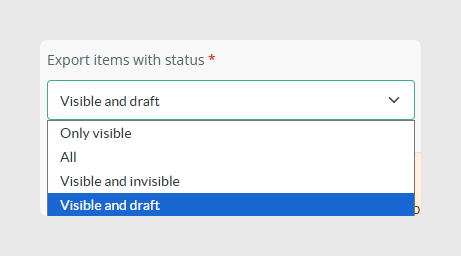
- Export items with status:This option allows you to filter which items pass through the connector according to their status.
- Only visible
- All
- Visible and invisible
- Visible and draft
- Include empty categories: Activating this option sends categories without products through the connector.
- Remove this channel: This button deletes the channel.
Was this article helpful?
That’s Great!
Thank you for your feedback
Sorry! We couldn't be helpful
Thank you for your feedback
Feedback sent
We appreciate your effort and will try to fix the article