Data Input
This section provides information about the last 30 import processes executed by the connector.
When selecting a specific import process from the date selector, the following details are displayed:
Synchronization panel
- Status: always shows Completed once the process has finished.
- Errors: if any errors occurred, an error icon will appear. Hover over the icon or click it to view detailed error messages.
- Sync date and time: the date and time when the synchronization took place.
- Items received from Stock2Shop: total number of items retrieved during the import process
- Items updated since date: the date and time used as a reference for retrieving data from Stock2Shop.
- Execution time: total duration of the data retrieval process from Stock2Shop (excluding the time required to import the data into the Sales Layer API).
- Update completed: indicates that the Force refresh button was used, meaning all items were updated regardless of their modification status.
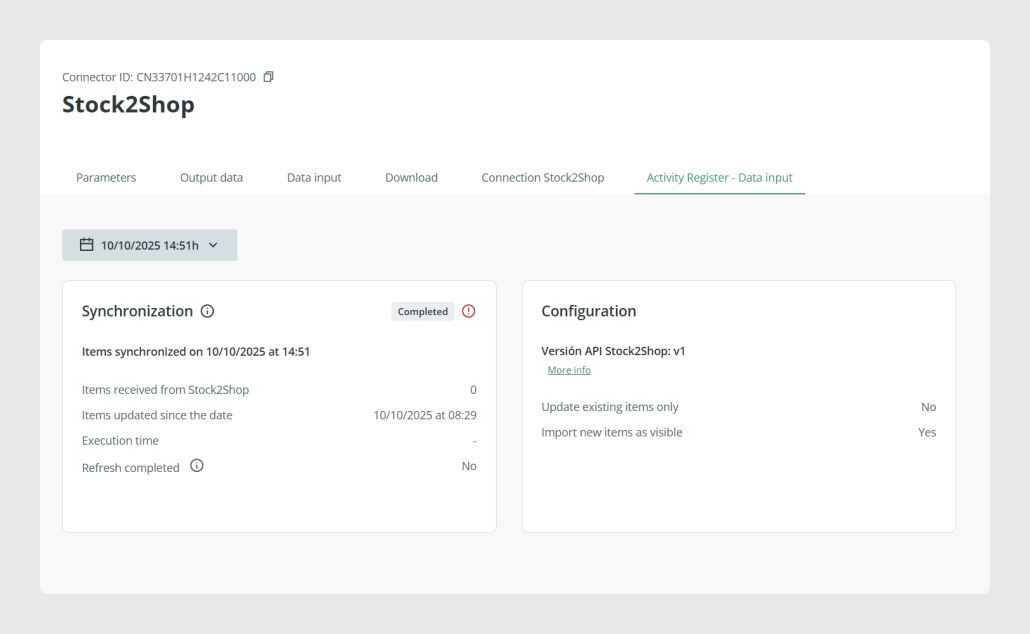
Activity Register - Data Input: General View
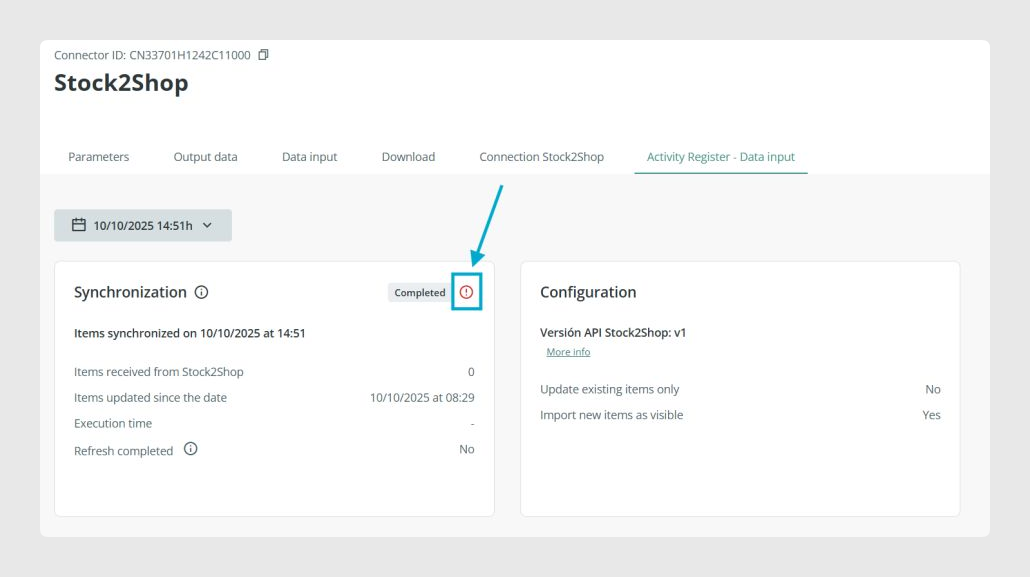
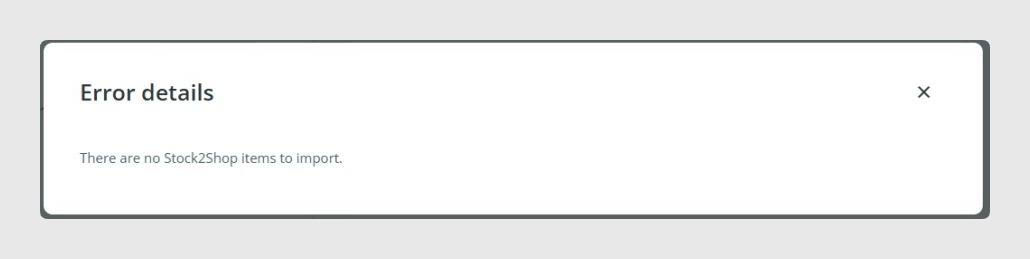
Activity Register - Data Input: Import Process with a Message
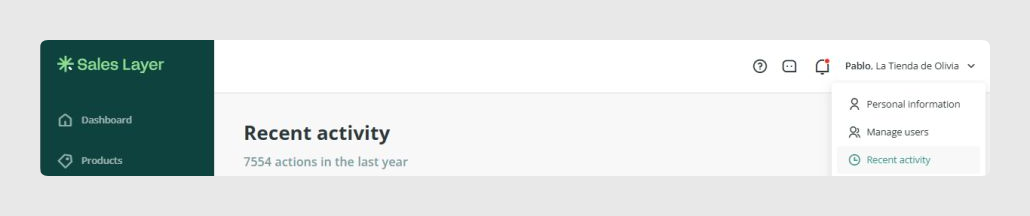
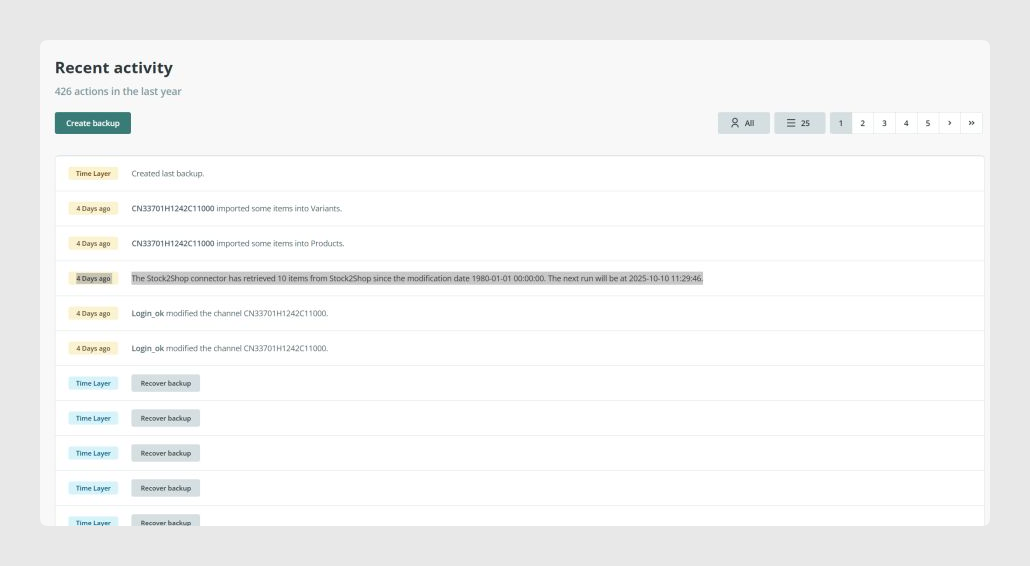
To view additional synchronization details, open the User Activity Log from the account menu.
Possible messages in the User Activity Log
Success
- The Stock2Shop connector has retrieved XX items from Stock2Shop starting from the modification date LastSynchronizationDateTime.
- The next run will take place at NextRunDateTime.
Error
- Error during the import execution via API. A problem occurred.
- The next run will take place at DateTime.
Was this article helpful?
That’s Great!
Thank you for your feedback
Sorry! We couldn't be helpful
Thank you for your feedback
Feedback sent
We appreciate your effort and will try to fix the article