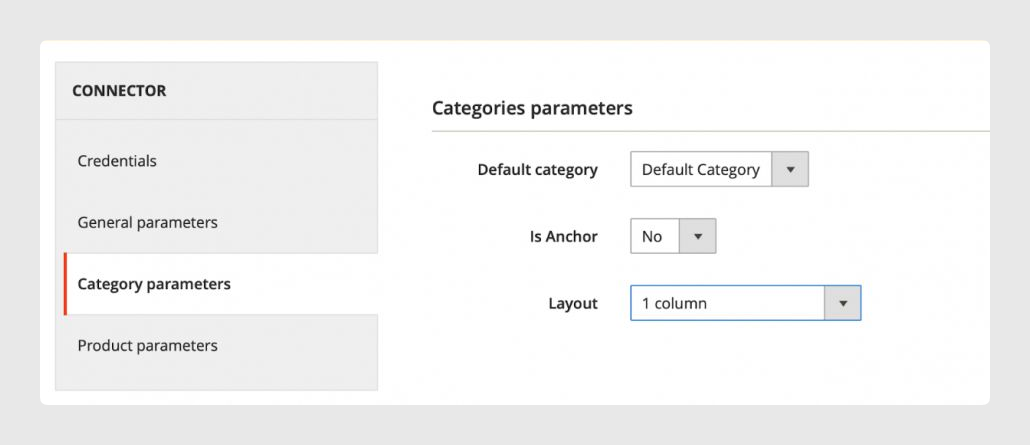
In Category Parameters, you can select the root category and other fields for category synchronization.
Categories and products will be imported into the root category defined here. When you install the plugin, the system automatically creates the “Sales Layer” category, which you can use to configure the new connector. However, you can also create and set up a new root category.
The connector’s default configuration for “Is Anchor” and “Layout” can be configured here. For more information on these two fields, you can go to:
- https://docs.magento.com/user-guide/catalog/categories-display-settings.html
- https://docs.magento.com/user-guide/catalog/categories-custom-design.html
Warning: the connector is intended to synchronize one root category by default at a time.
Was this article helpful?
That’s Great!
Thank you for your feedback
Sorry! We couldn't be helpful
Thank you for your feedback
Feedback sent
We appreciate your effort and will try to fix the article