The Parameters tab defines how the CSV file will be generated.
All options affect the structure, language, merging logic, encoding, and format of the final output.
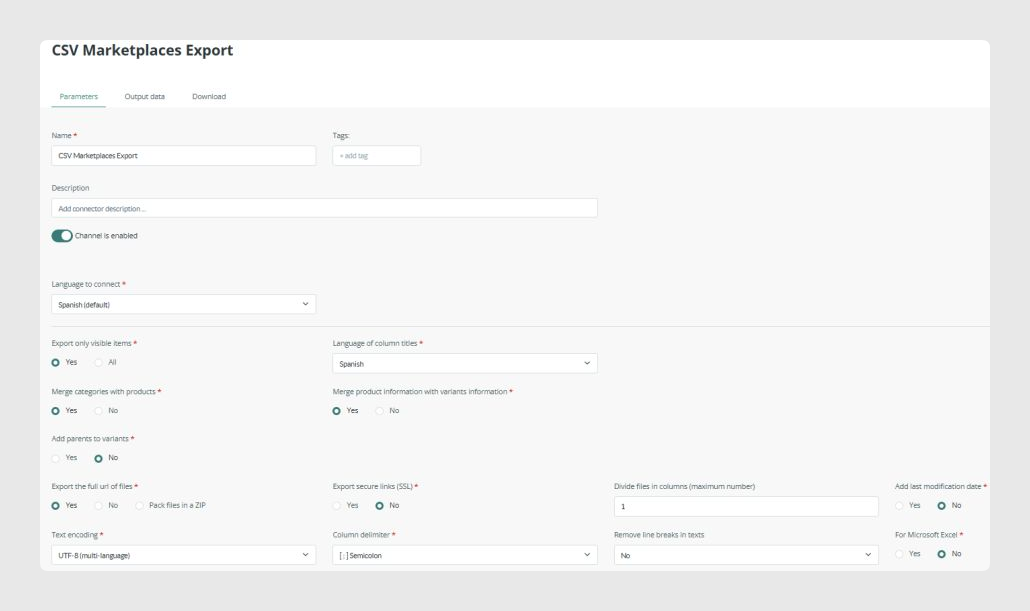
Below is a detailed explanation of each parameter.
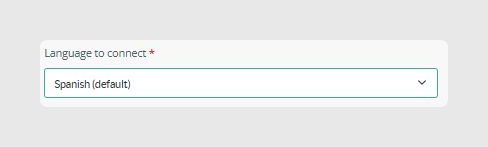
Language to connect
This selects the PIM language used to export data.
- Only one language can be selected per connector.
- All text fields, category names, descriptions, and attribute values will be exported in this language.
Duplicate Channel
This option is available inside the Actions dropdown menu.
It allows you to clone the connector with its current settings. This is especially useful when you need to create multiple connectors with the same configuration for different languages. You can duplicate an already configured connector and then change the selected language in the new connector.
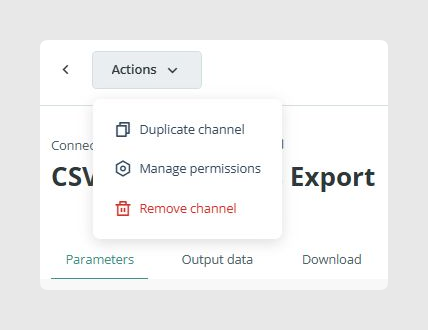
When a connector is duplicated, the new one is created disabled by default. Once you have reviewed and adjusted its parameters, activate the channel to start using it.

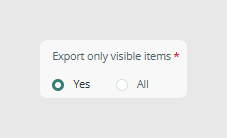
Export only visible items
This defines whether the connector should export only visible items, which is recommended, or all items regardless of visibility status.
This is useful when visibility is used as a filter to control which items should appear in marketplace feeds.
Important: To export an item when this filter is set to Only visible, the entire hierarchy must be visible. If any element in the hierarchy is not visible, the connector will exclude the entire chain.
For example:
- A visible product inside a non-visible category is not exported.
- A visible category and visible product with a non-visible variant exports no variant.
- A non-visible product with visible variants exports nothing.
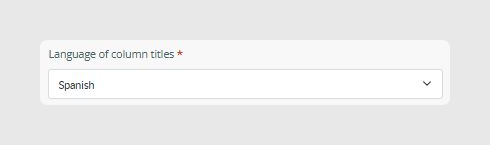
Language of column titles
This determines the language used for column names in the final CSV header.
- It does not affect item data.
- It helps adapt outputs to marketplace template requirements.
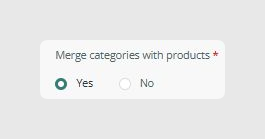
Merge categories with products
When enabled, category fields are included in the same output rows as the products and variants. This produces a single consolidated CSV.
This is recommended when marketplaces require category name, parent category, category reference, or category image.
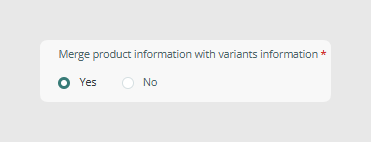
Merge variants with products
This enables the Parent-Child merged output.
- Every variant becomes a separate row.
- Product fields are inherited by each variant.
- Variant fields override Product fields when both exist.
This option is essential for marketplaces that work with multi-variation products.
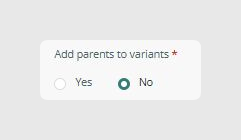
Add parents to variants
When enabled, an additional Parent row is generated for each product with variants. This Parent row does not contain variant-specific fields.
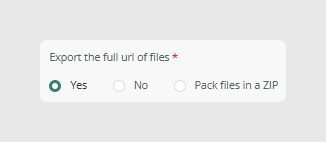
Export full URLs / Pack files in ZIP
This determines how image and file URLs are exported.
Options:
- Yes, export full URLs.
- No, export partial paths.
- Pack files in ZIP, which packages all files inside a downloadable ZIP archive.
ZIP export is useful when marketplaces require files to be uploaded manually.
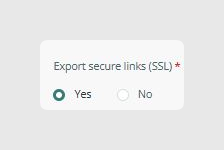
Export secure URLs (SSL)
This outputs HTTPS URLs for images and files. It is recommended for most marketplace platforms.
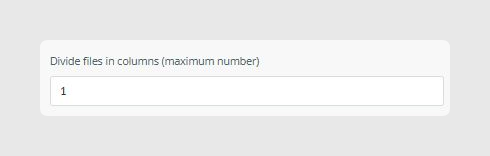
Divide files in columns
This allows the output to be split into multiple CSV files automatically, depending on the maximum number of columns allowed by the marketplace, Excel limitations, or internal processing requirements.
For example, setting this value to 1 keeps all data together in one column.
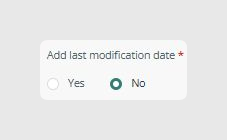
Add last modification date
This adds a column containing the last modification timestamp of each item. It is useful for sync checks and external automation.
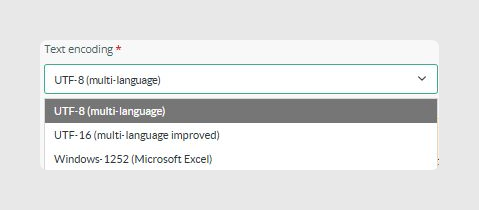
Text encoding
This determines the encoding of the exported CSV.
Typical choices include:
- UTF-8 (multi-language), recommended by default.
- UTF-16 (multi-language improved).
- Windows 1252 (Microsoft Excel).
Use UTF-8 unless a marketplace explicitly requires otherwise.
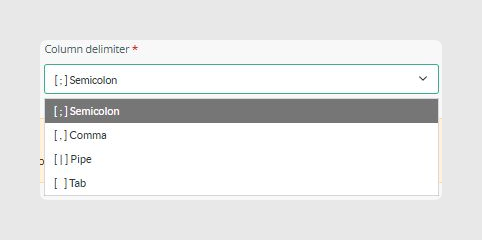
Column delimiter
This selects the character that separates columns in the CSV.
Common options include semicolon, comma, pipe, and tab.
Choose the delimiter required by the target marketplace or import system.
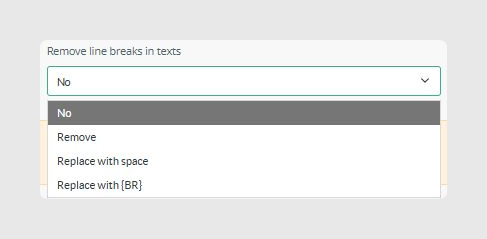
Remove line breaks in texts
This controls whether line breaks should be removed from text fields.
Options:
- No, keep original formatting.
- Remove, which removes line breaks completely.
- Replace with space.
- Replace with {BR}.
This is recommended when exporting to systems that break rows on line breaks.
For Microsoft Excel
When enabled, this formats the CSV in a way that helps prevent common Excel import issues, including quotation character escaping, comma handling, and large number formatting.
Enable this option when the target user will open the file directly in Excel.

Was this article helpful?
That’s Great!
Thank you for your feedback
Sorry! We couldn't be helpful
Thank you for your feedback
Feedback sent
We appreciate your effort and will try to fix the article