The catalog lets users change the view depending on how they prefer to browse the content. There are three available view types, and users can switch between them by clicking the view icon.
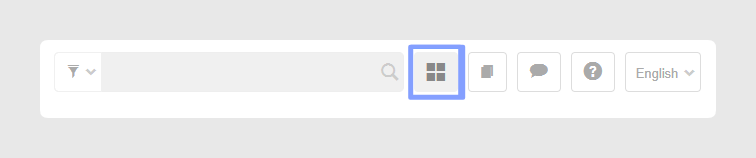
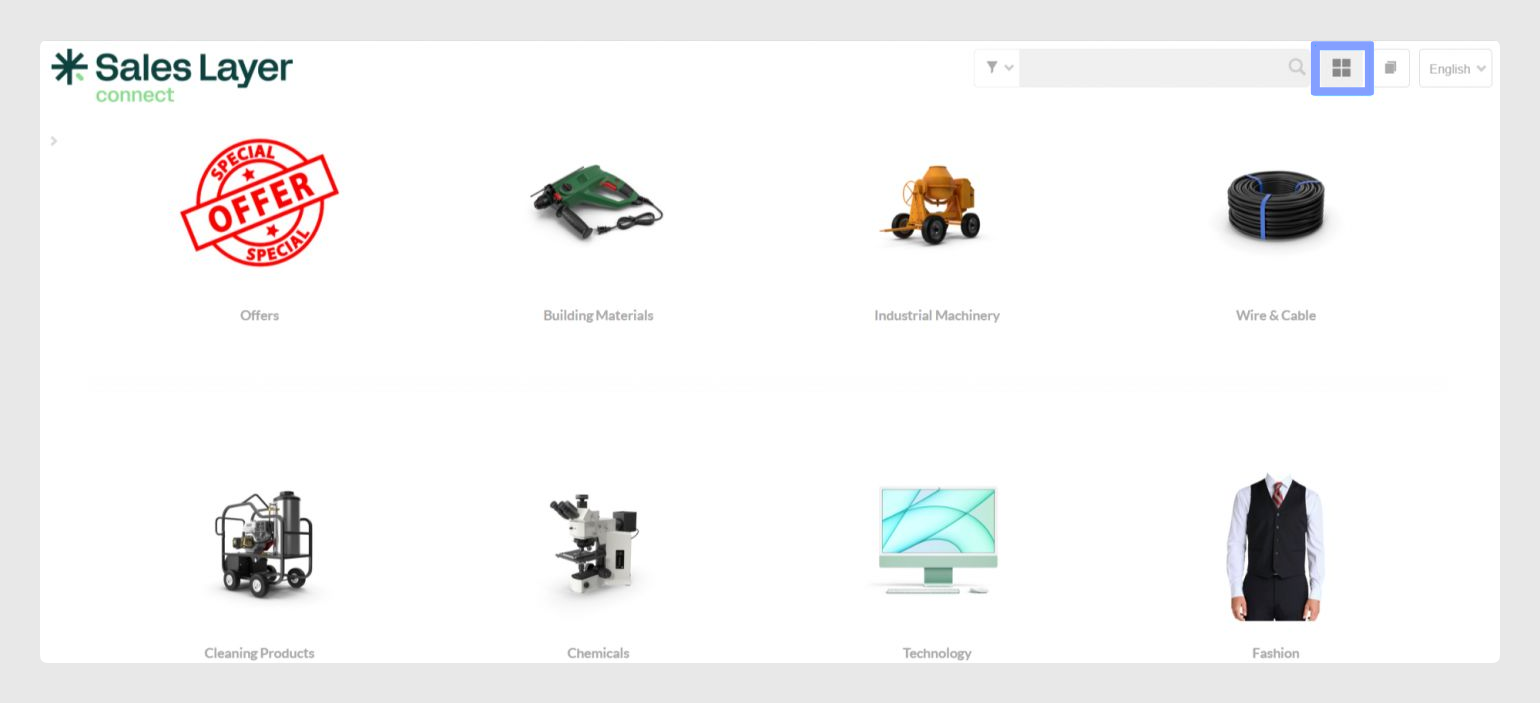
Image mode
Image mode is the default catalog view. In this view, categories and products are displayed as thumbnail images, making it easier to browse the catalog visually.
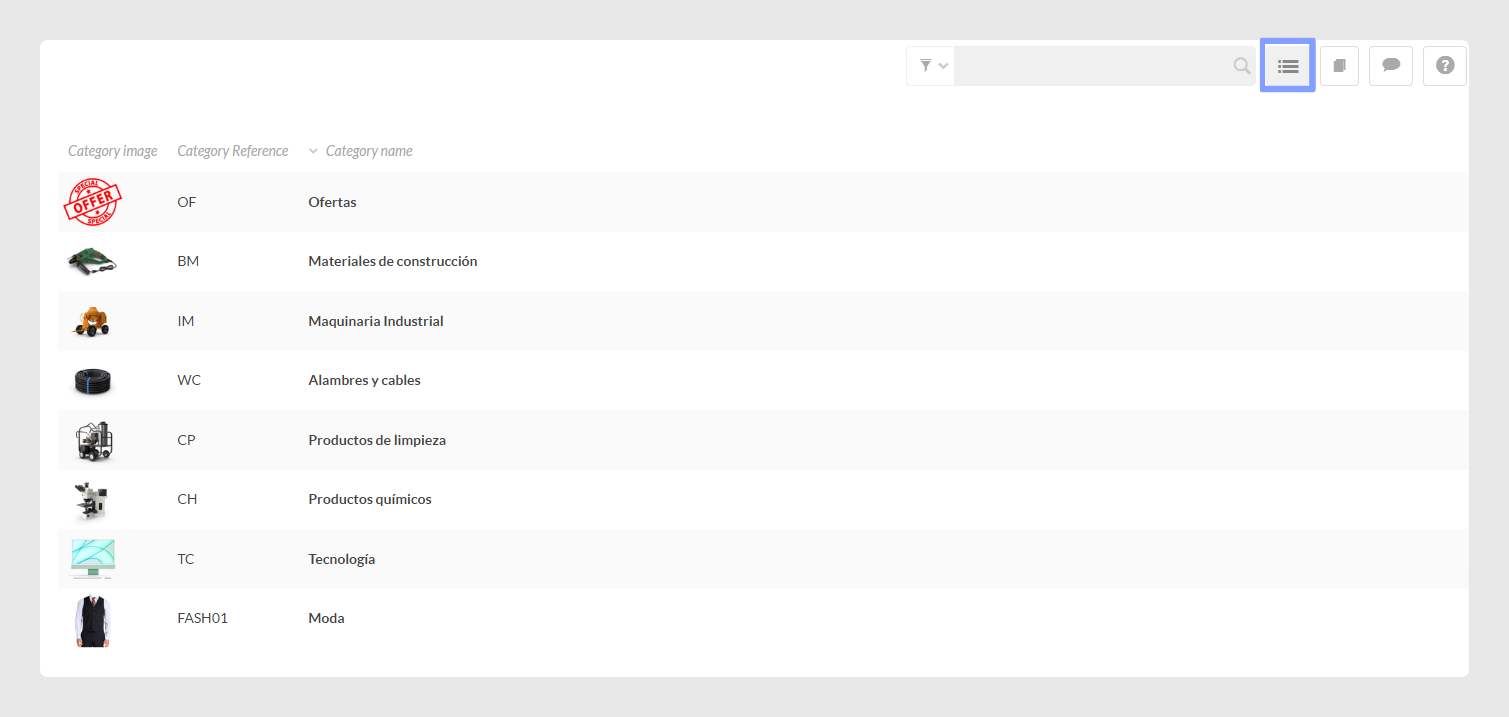
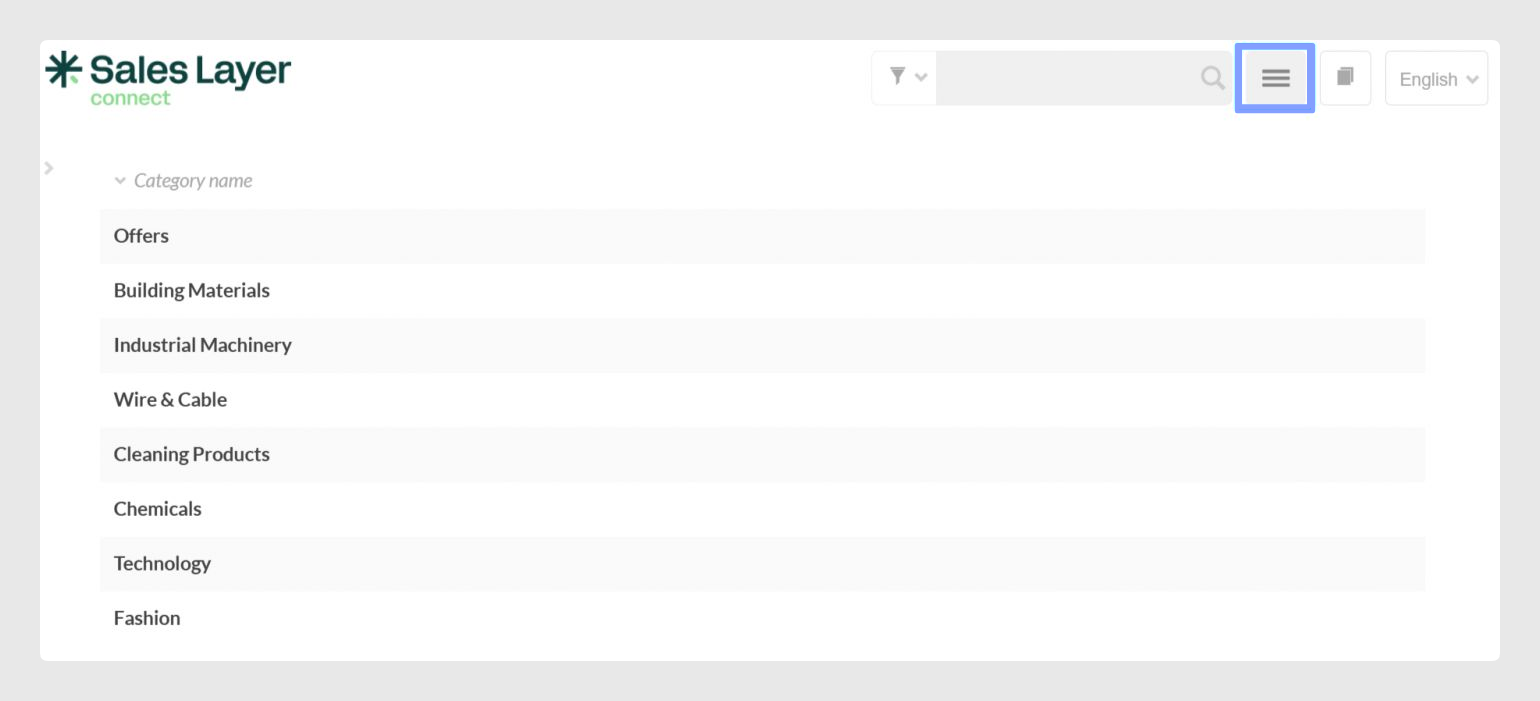
List modes
The catalog is always shown in image mode by default, but users can switch to a list view when they need a more condensed layout.
There are two list options available: list mode with thumbnails and standard list mode. Both options make it easier to view categories and products in a more compact format.
Was this article helpful?
That’s Great!
Thank you for your feedback
Sorry! We couldn't be helpful
Thank you for your feedback
Feedback sent
We appreciate your effort and will try to fix the article