Thanks to the BigCommerce connector, you can synchronize the product information in Sales Layer with your catalog in BigCommerce. You will have to add and validate the credentials of the BigCommerce account in the connector when generating it.
To generate these credentials, go to Settings > API Accounts > Create API Account.
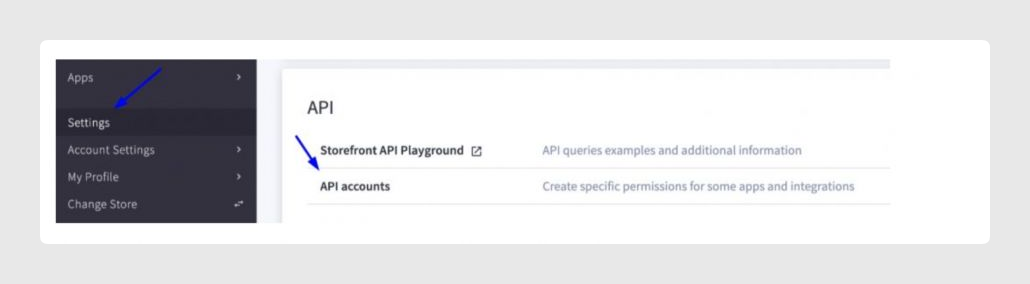
You can get more information on the BigCommerce website.
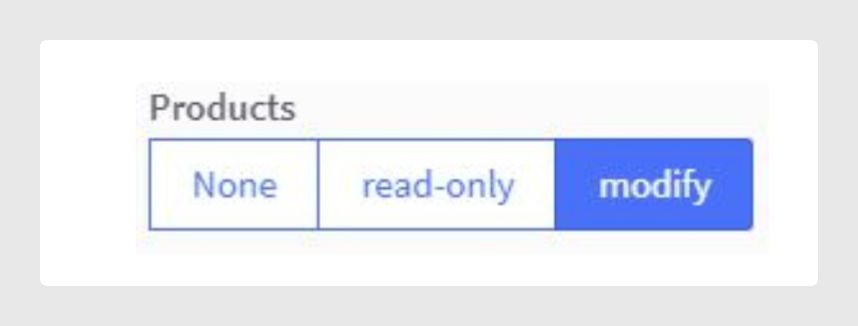
- Check the option “Modify” in “Products” when creating this API key account:
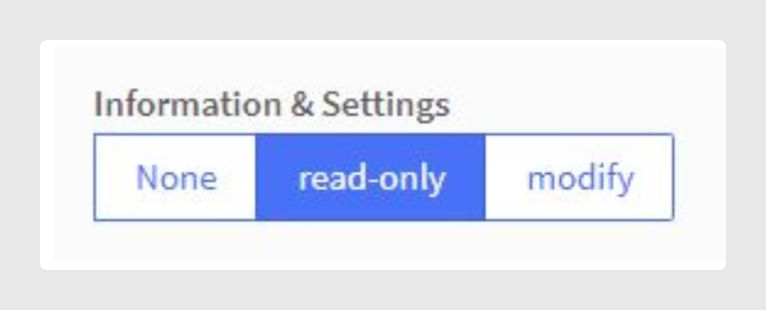
- Activate the “read-only” or “modify” permission in “Information & Settings”:
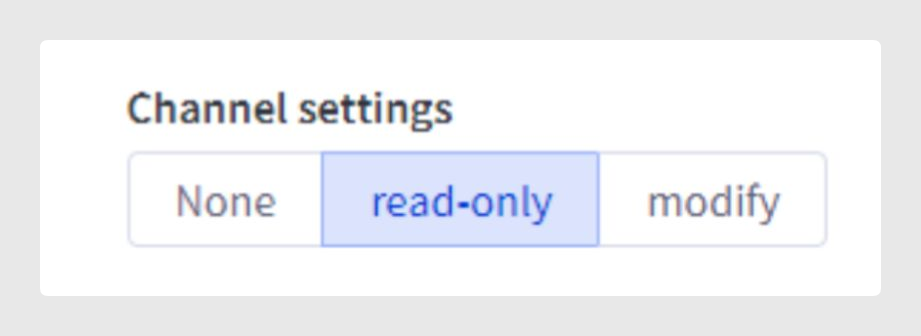
- Activate the “read-only” or “modify” option in “Channel Settings”:
Was this article helpful?
That’s Great!
Thank you for your feedback
Sorry! We couldn't be helpful
Thank you for your feedback
Feedback sent
We appreciate your effort and will try to fix the article