In this tab, you will find the URLs of the catalog ready to share. If you have edited your SEO URL in the parameters tab, you will find the SEO links on the right. This way, you will be able to share them easily with anyone. Both; the default link and the SEO link are also available in the short option.
If you want to preview the catalog, only click on the glasses icon and it will open in your browser.
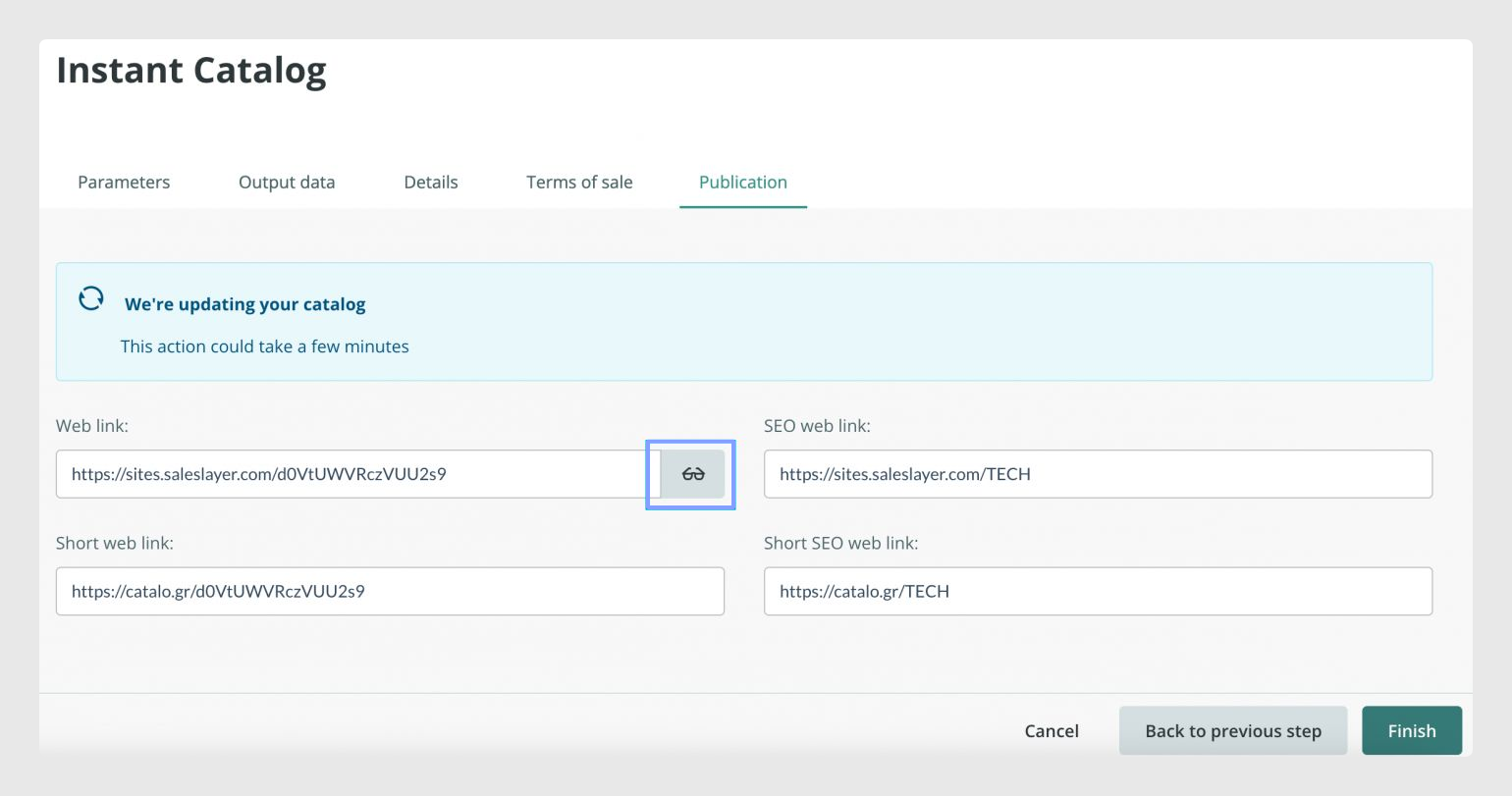
Share the url with anyone you want and your catalog will be automatically updated from any device.
Was this article helpful?
That’s Great!
Thank you for your feedback
Sorry! We couldn't be helpful
Thank you for your feedback
Feedback sent
We appreciate your effort and will try to fix the article