This article helps you access Sales Layer for the first time and solve the most common login issues.
Before you start
Have these ready:
- The email address used for your Sales Layer user.
- Your password, if you already have one.
Login
- Open your Sales Layer login page.
- Enter your email address and password.
- Click the login button to enter the platform.
If you do not know your password
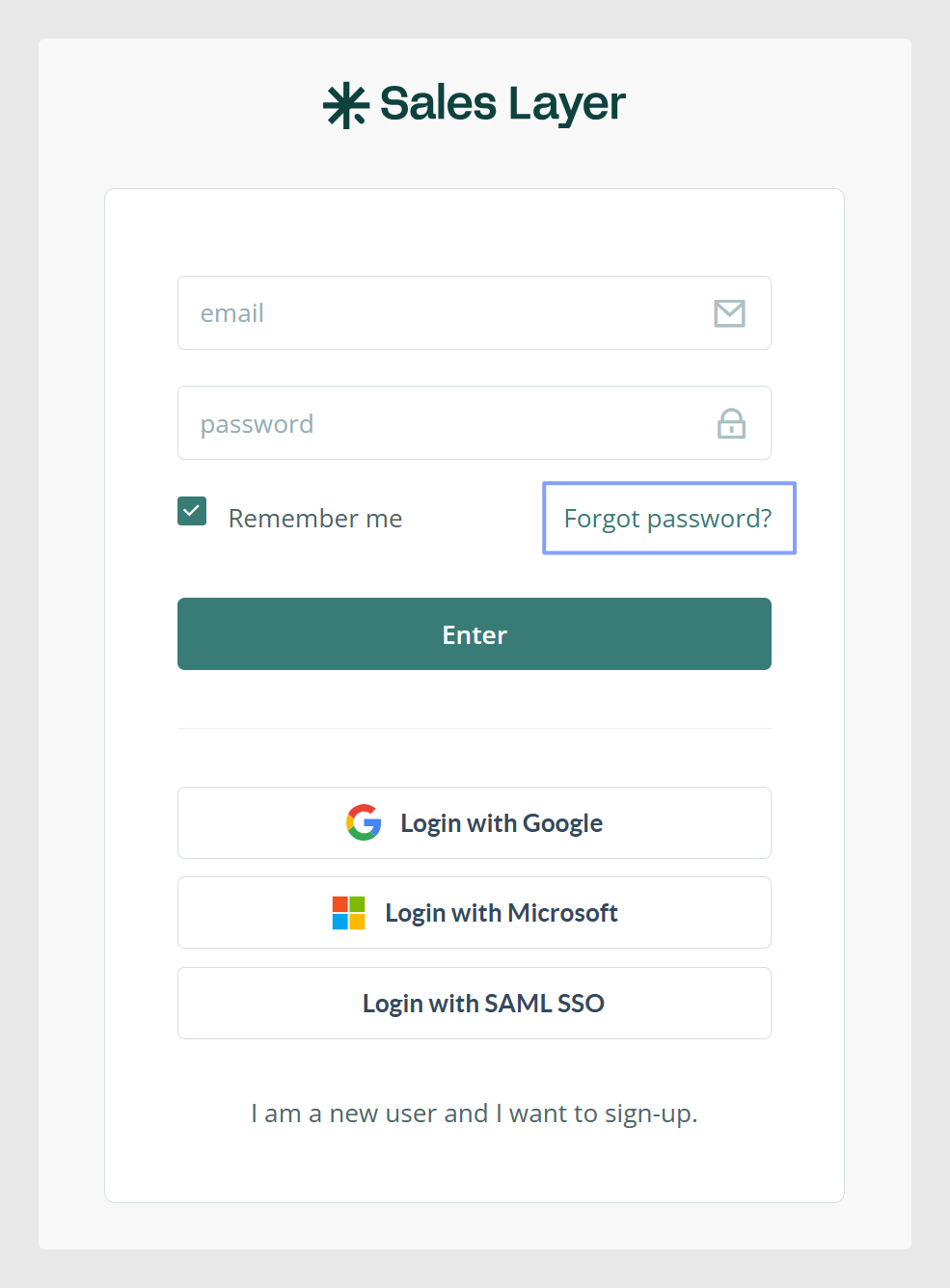
If you only have your email address and not your password, you can request it to be sent by email using the Forgot password option on the login screen.
If you have access to more than one company
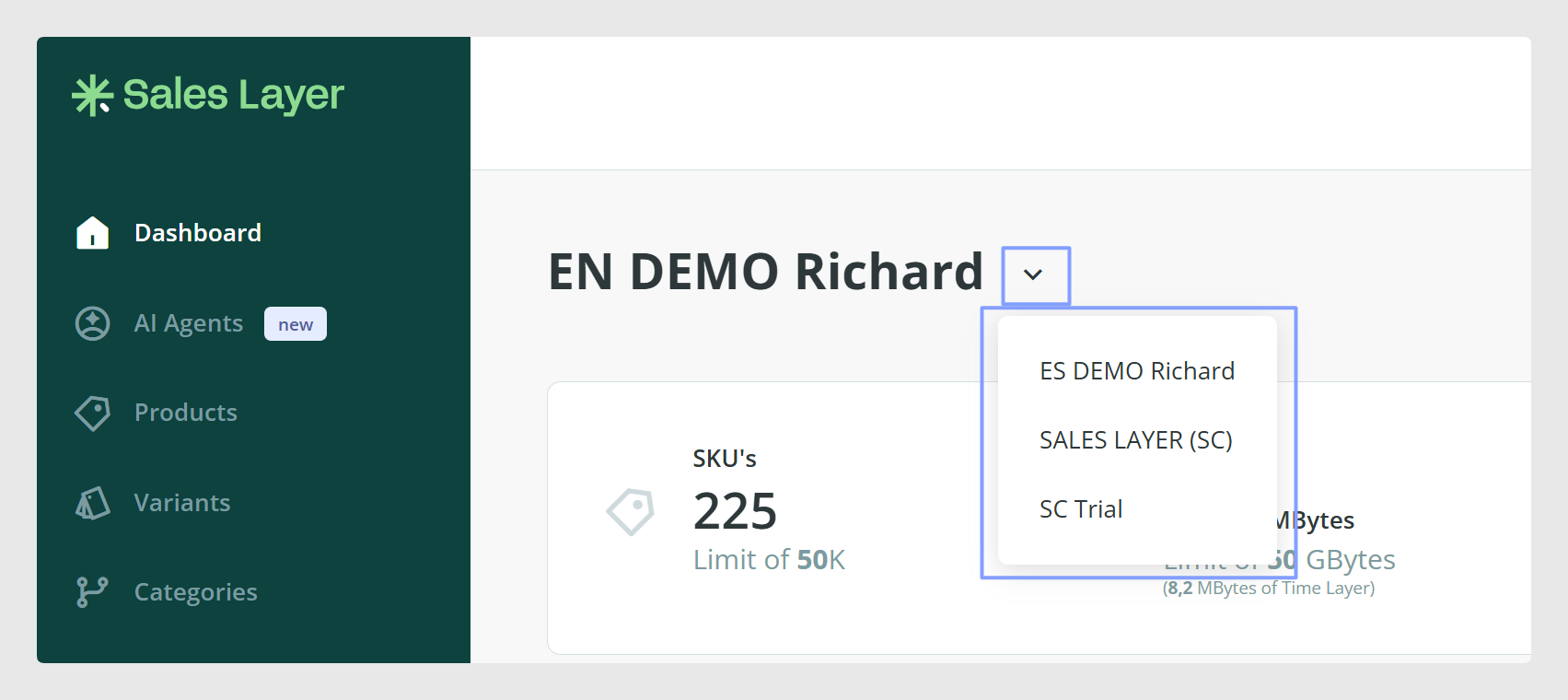
If your user has access to multiple companies, you can switch between them from the main menu using the dropdown next to the company name.
Common issues and quick checks
- Wrong email address: Confirm you are using the same email that was created in Sales Layer.
- Password not working: Use Forgot password to request a password by email.
- You can log in but cannot see certain sections: Visibility of areas and actions can depend on your user permissions. Your account admin can review your access.
Was this article helpful?
That’s Great!
Thank you for your feedback
Sorry! We couldn't be helpful
Thank you for your feedback
Feedback sent
We appreciate your effort and will try to fix the article